What Real-Time Visibility Actually Looks Like on the Floor
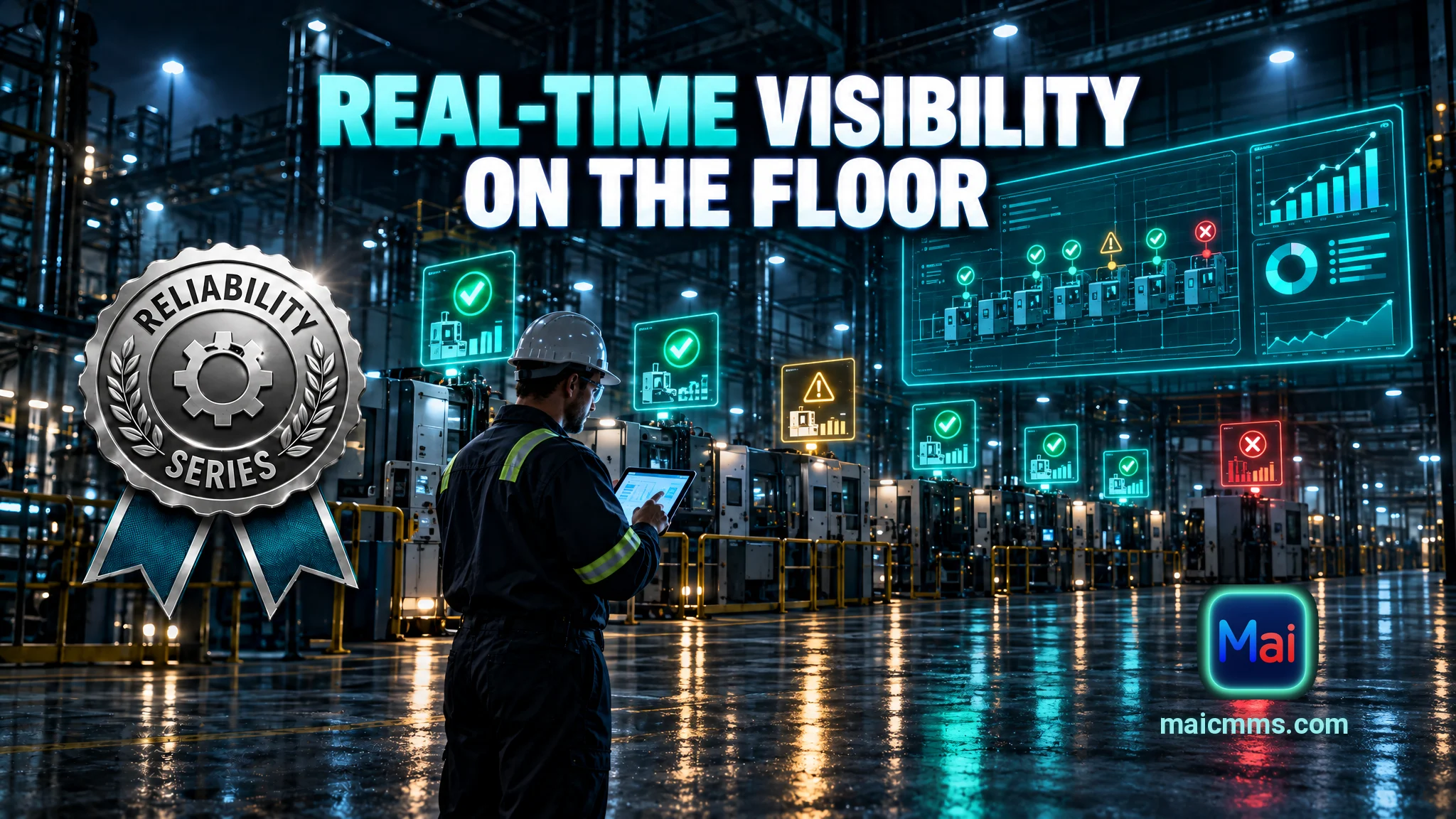
Real-time visibility means the current state of work and assets is obvious to the people on the floor without a phone call, a radio check, or a sit-down meeting. The difference is not more data. It is presenting the right data in a form that can be read in seconds.
“The difference is not more data. It is presenting the right data in a form that can be read in seconds.”
Many plants say they have real-time visibility because they own a CMMS. Work orders are entered, statuses are updated, and reports can be run. Yet supervisors still walk the floor or call a meeting to learn which critical jobs are open, which technician is overloaded, or which asset has generated three reactive calls in the last two weeks. The system contains the information, but the people who need it cannot see it without extra effort.
Real-time visibility means the current state of work and assets is obvious to the people on the floor without a phone call, a radio check, or a sit-down meeting. The difference is not more data. It is presenting the right data in a form that can be read in seconds.
The Gap Between “We Have a CMMS” and Actual Visibility
In the first case, the CMMS is a system of record. A planner or supervisor can query it and eventually answer questions. In the second case, anyone can see which high-priority jobs are open, who is assigned to what, and which assets are trending the wrong way—without compiling the picture themselves.
What the Floor Actually Needs to See
Three views cover most daily decisions: Critical work status (open high-priority jobs with age and assignee), Crew workload (who has capacity), and Assets trending the wrong way (repeat reactive work in a recent window).
Dashboards and Map-Style Views
A single-page dashboard that refreshes from the CMMS delivers these views. Place it on a screen in the shop or make it the home view on tablets. Map-style or floor-plan views add another layer—equipment icons change color or show a badge when a high-priority job is open or a repeat-failure threshold is hit.
Both approaches work when they pull live from the same data technicians already update.
Making It Real
Start with one screen or shared tablet view that shows open critical work and current assignments. Require status updates at natural points so the picture stays current. Use the view in the first five minutes of the shift huddle, then leave it up.
When visibility is real, fewer status meetings occur, overloaded technicians are spotted earlier, and assets that are drifting into trouble get attention before they fail hard.
What would your team be able to stop asking each other if the current state of critical work and assets were visible without a meeting?
Put these habits into practice with Mai CMMS
Structured work orders, photo-friendly mobile close-outs and an AI assistant that turns your maintenance history into answers. Start your free trial today.
Start your free trial