The Weekly Reliability Huddle That Uses Your CMMS Instead of Spreadsheets
A shorter, more effective huddle uses the CMMS as the single source of truth. The meeting stays under 25 minutes and produces follow-up that is visible in the system.
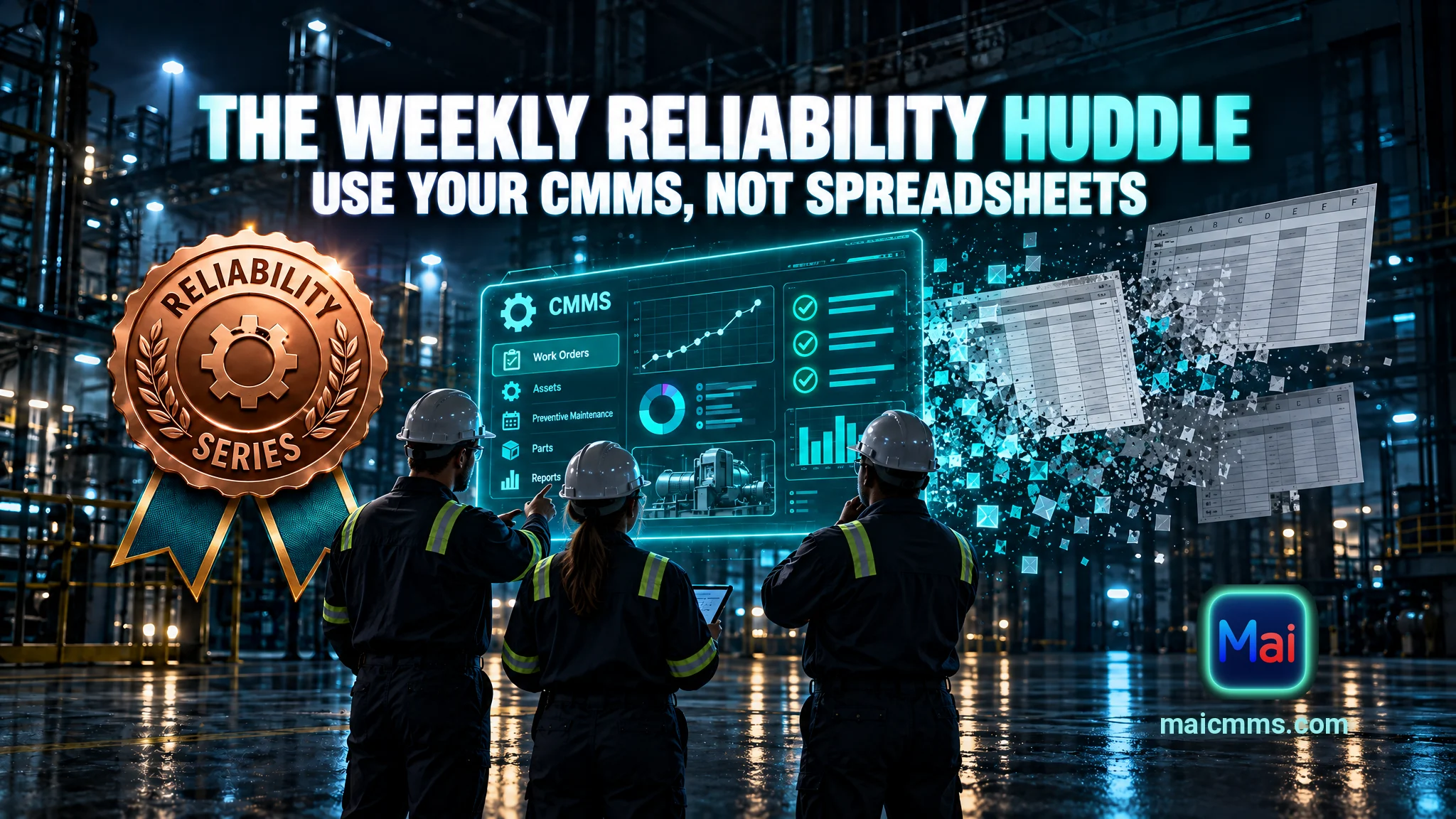
“A shorter, more effective huddle uses the CMMS as the single source of truth.”
Many maintenance teams hold a weekly meeting to review reliability issues. Someone exports data to a spreadsheet, another person updates a slide, and the group spends the first several minutes reconciling whose numbers are current. By the time the discussion starts, the information is already a day or two old and no one is sure it matches what is actually in the CMMS.
A shorter, more effective huddle uses the CMMS as the single source of truth. The agenda is fixed, the data is pulled live or from saved views, and every item ends with one clear action. The meeting stays under 25 minutes and produces follow-up that is visible in the system.
A Simple Four-Item Agenda
Run the same sequence every week. Open the relevant CMMS filters or dashboard tiles at the start so the group looks at the same live data.
1. Top repeat failures from the last 30 days
Display the assets or failure modes with the most reactive work orders in the past month. Limit the list to the top five. For each one, note whether a prior action is already open. If the same item appears for the second or third week, the previous action was not effective and needs to be revised. This keeps attention on the problems that are actually recurring instead of every new breakdown.
2. Open high-priority work
Show jobs tied to safety, environmental, or production-critical assets that are still open, sorted by age. Identify anything older than your threshold (commonly 7 or 14 days). Assign or confirm an owner and a next step for each. The goal is to clear blockers—parts, access, decisions—rather than to re-debate priority.
3. PM compliance exceptions
Pull PMs that were due in the last week and are either still open or were closed without the required data (readings, photos, failure codes, or follow-up notes). Review only the exceptions. Decide whether the task needs to be completed, the procedure needs clarification, or the technician needs a quick reminder of the standard. This protects data quality without reviewing every completed PM.
4. One action item per issue
For every item discussed above that requires follow-up, record exactly one action in the CMMS: a new work order, a revision to an existing PM, a parts request, or a short investigation assigned to a named person with a due date. Avoid open-ended discussion. If more analysis is needed, the action is to schedule that analysis, not to solve it in the huddle.
How to Keep the Meeting Short and Useful
Prepare nothing outside the CMMS. Use saved filters or a simple dashboard so each list appears in seconds. Time-box each agenda item—five minutes is usually enough. The facilitator (planner, supervisor, or reliability lead) keeps the group on the data and moves to the next item once an action is captured. Attendees are the people who can own actions: maintenance supervisor, planner, and one or two senior technicians or reliability personnel. Operators or production supervisors join only when a specific asset or window is under discussion.
Because the actions live in the CMMS, progress is visible the following week without a separate tracking spreadsheet. Incomplete actions reappear automatically when their due date passes or when the same failure shows up again on the repeat list.
Why the CMMS as Single Source Matters
When the huddle runs from live system data, arguments about whose spreadsheet is correct disappear. Technicians see that the notes and codes they enter are used in the meeting, which reinforces complete close-outs. Planners leave with clear, assigned work instead of a list of discussion topics. Over successive weeks the repeat-failure list shortens because actions are specific and tracked where the work is managed.
The huddle does not replace daily coordination or detailed root-cause analysis. It provides a reliable weekly rhythm that turns CMMS history into a short set of owned actions and keeps reliability work aligned with what the system actually shows.
What would change in your current weekly meeting if every number and every action came directly from the CMMS?
Put these habits into practice with Mai CMMS
Structured work orders, photo-friendly mobile close-outs and an AI assistant that turns your maintenance history into answers. Start your free trial today.
Start your free trial